


Intro
Acer has over the years carved out a niche for launching innovative and excellent Chromebooks. Their latest model is the Acer Chromebook Spin 713, a mid to high end laptop with a 3 by 2 display, 360 hinge, the latest 10th Gen Intel processors and WiFi 6. Does the Spin 713 have enough to beat the class leading Google PixelBook Go. Let’s take it for a spin.
Design
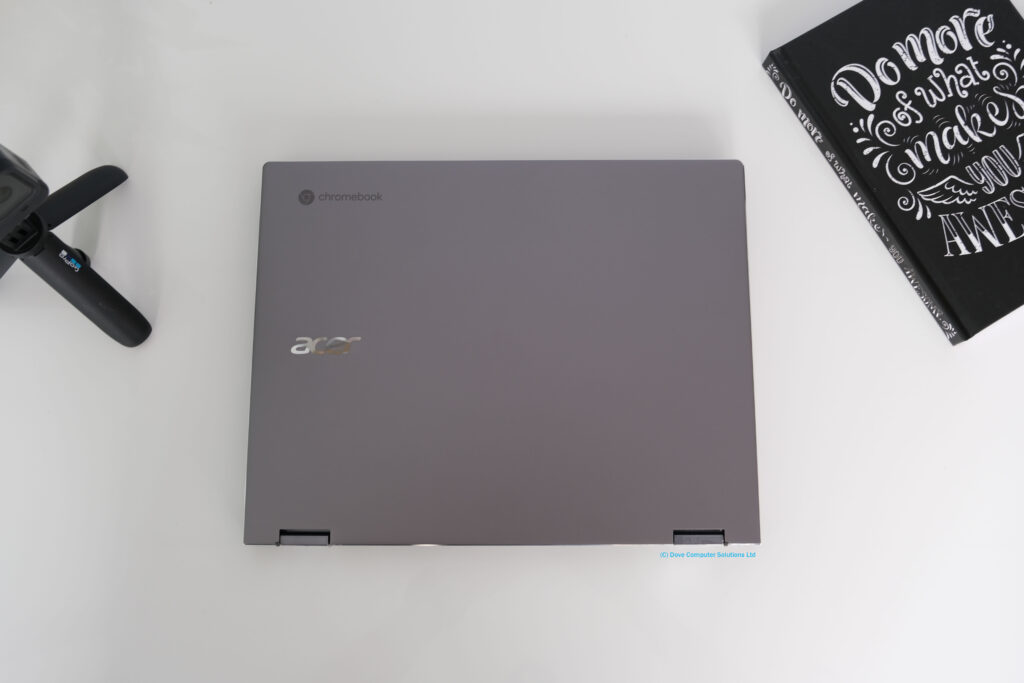
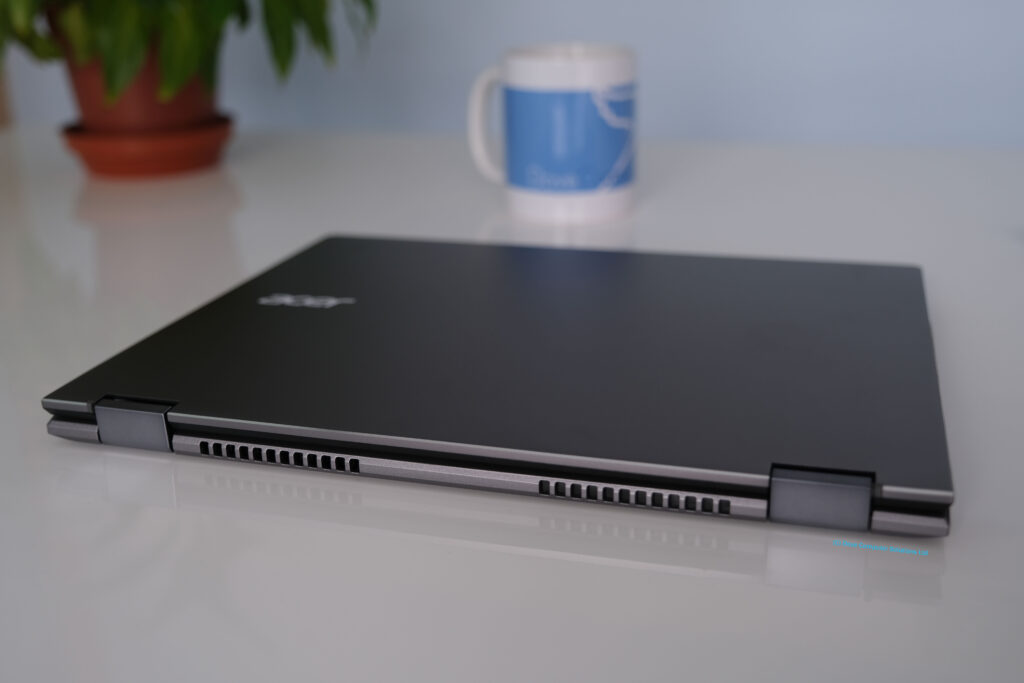
The Spin 713 has a shiny aluminum lid with a plastic keyboard deck in a drab gray steel colour. The aluminum chassis ensures it is solid, sturdy and well made. There’s very little flex on the keyboard and screen cover. No surprise it is military standard certified to 810G.
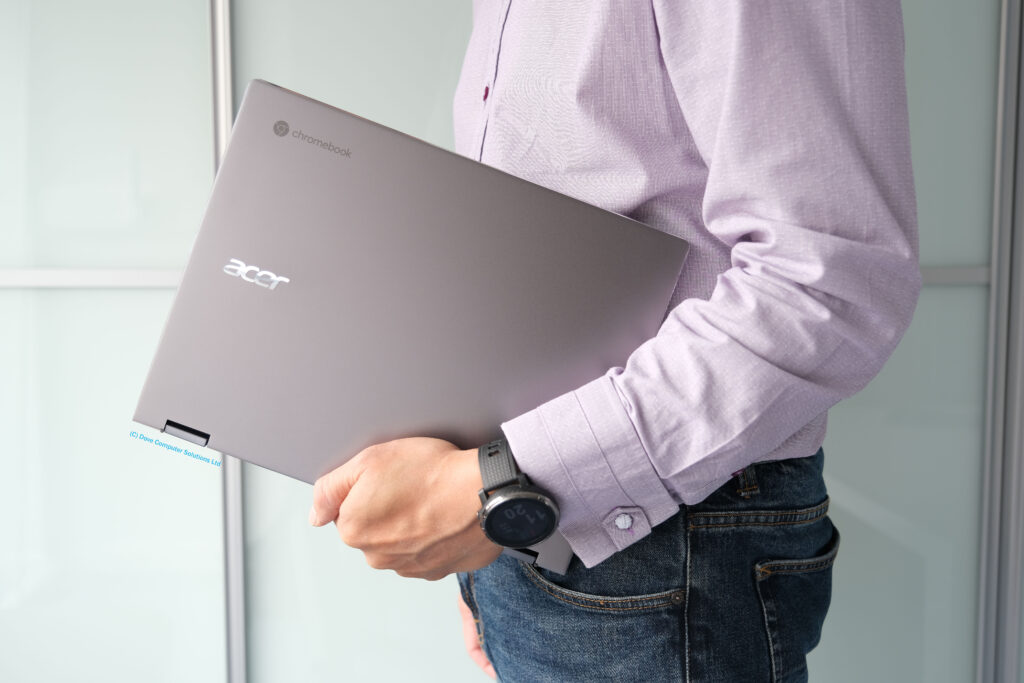
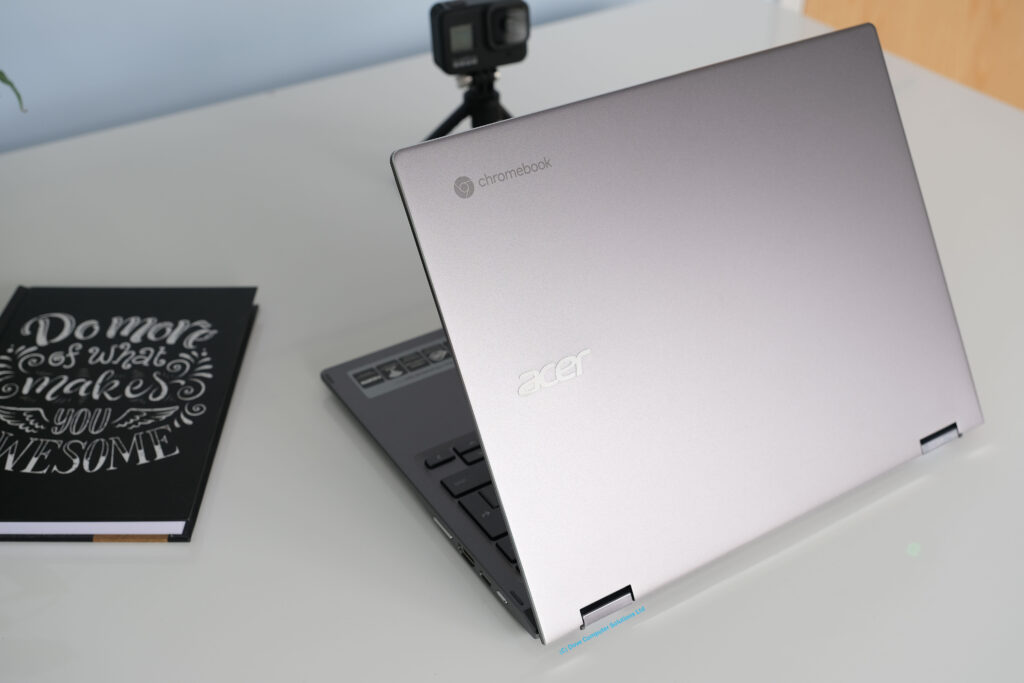
The Spin 713 weights 1.37kg or just over three pounds. The 360 hinge lets you convert the Chromebook from a laptop, to stand mode or tent mode to watch movies or YouTube. The flexible hinges fold fully back to tablet mode. Giving you the option to hold the Chromebook like a book for web surfing or streaming a video.
The internals are fairly easy to get into. 9 screws and lift up the bottom cover to reveal the soldered on and therefore non upgradable memory. The M.2 SSD and battery is upgradable.

Display
When you open the display lid, you are instantly met with the 3:2 aspect ratio 13.5 inch screen, giving 18% more vertical screen space to read and write. The resolution on the IPS touchscreen panel is set at 2256 x 1504 and is made of tough Corning Gorilla Glass. The display can be used with an optional USI pen for note taking.
The screen is a joy to use, colours are vibrant and impressed with the clarity of details when streaming a movie. The panel covers 80% of the sRGB colour gamut.
Brightness is rated at 415 nits, far above the average of 250 nits found on most laptops. In layman terms, you can take this outside to work or play, in the garden during a sunny day. However there is some glare from the glossy panel due to the touch screen glass.
In tablet mode, the touchscreen is quick to change orientation and navigating the screen with your finger is smooth and seamless.
Connectivity
On the left side of the Chromebook Spin 713 we have a USB 3.1 Gen 1 Type-C (with DisplayPort and charging), a USB 3.0 Type-A, a headphone/microphone combo, and MicroSD Card Reader.
On the right we have a power button, a USB 3.1 Gen 1 Type-C (5 Gbps data transfer), a HDMI 1.4b port and volume rocker.
Wireless is taken care of with a Wi-Fi 6 AX201 card supporting Bluetooth 5.0. Wireless coverage was excellent and fast.
Keyboard & Touchpad
The Chromebook keyboard is excellent to type on and quiet while you are finishing your coursework or assignment. There’s good tactile feedback from the 1.2mm spaced out keys and useful backlit keys when working in poor lighting.
The large square glass trackpad has a smooth and responsive glide with Chrome OS multi touch gestures. No issues navigating the pointer around the screen with the touchpad.
Audio & Webcam
The Spin 713 has dual speakers underneath the keyboard deck. The audio is tinny even at maximum volume. It’s acceptable for daily use but I would recommend using headphones if you intend on listening to Spotify regularly.
The 720P webcam is the usual ‘just about acceptable’ video quality for Zoom or Teams video meetings. If video quality is important to you, purchase an external webcam.
Performance
This review model has an Intel Core i3-10110U two core processor running at 2.1 GHz up to 4.1Ghz in turbo boost mode. TDP is rated at 15 watts. Along with 8GB of soldered on memory, the Acer Chromebook Spin 713 is zippy to use. On a daily load of school or office work, multiple chrome tabs open, Google docs, twitter and web Spotify, the Spin 713 didn’t have any performance issues.
The generous 128 GB SSD accommodates app installations allowing you to install large Android games. Plus the drive is the faster PCIe NVMe M.2 variant compared to the slower eMMC used in lower end ChromeBooks.
The fans only come on infrequently even when under load and the chassis never gets too warm to use on your lap.
Graphics
The integrated Intel UHD Graphics 620 can handle most mobile Android games in the Play Store with some help from the hardware specs on this review model. The GPU is a few years old now but it will run most apps.
Gaming
Once upon a time, gaming on a Chromebook was limited to Chrome OS titles. Then Google opened the Play Store allowing you to play thousands of Android games. More recently Cloud Gaming has suddenly matured allowing you to play triple A titles on your ChromeBook. Unfortunately we won’t be covering it in this video but here are some cloud gaming options available to Spin 713 owners.
XBox Game Pass for Android (xCloud)
GeForce Now
Stadia
Steam

Battery life
The 3 cell 48Wh battery gives the Spin 713 an impressive battery runtime of around 7 to 8 hours, more than enough for long days at college or the workplace. The 45W AC power adapter keeps the Spin 713 topped up when needed.
Top 3 Pros and Cons before buying the Acer Chromebook Spin 713
Excellent 3:2 Screen – The 3:2 display gives you more vertical screen space. It takes a little getting used to if you have been using 19:9 widescreens up to this point. It’s a very good panel with enough brightness, clarity and rich colours to make it a joy to use for hours on end.
Battery Life – Consistently the Spin 713 gives around 7-8 battery life, ok it’s not class-leading but with the higher hardware specs its a good compromise.
Range of Ports – Acer has done a fantastic job of equipping the Spin 713 with plenty of ports. Two USB-C and one USB-A ports, HDMI, headphone and MicroSD slot. No complaints in this department.
Weak speakers – I always question why manufacturers place speakers underneath a laptop. No surprise the audio on the Spin 713 is weak and not that great. If you place the laptop on a bed or sofa, the audio is partially blocked. *Crazy*
Poor Webcam – The 720P webcam is poor even in better lighting conditions. It’s barely passable with Zoom or Teams meetings. Plus there’s no privacy shutter.
No Pen – I wish manufacturers would include a stylus pen with their 360 offerings like the Spin 713. Yes you can use finger gestures on the touchscreen, but surely you want to note take or draw on it too with a pen?
Competition
There’s a crowded market for premium Chromebooks in 2020. What other Chromebooks would you be looking at? In no particular order here are some to consider.
Samsung Galaxy Chromebook
Google Pixelbook Go
Asus’ Chromebook Flip C434
HP Chromebook x360 14
Summary
The Acer Chromebook Spin 713 has all the hallmarks of a great Chromebook. An excellent and bright 3:2 touchscreen, good backlit keyboard, 360 modes, plenty of ports, USI pen compatible and good performance/battery life at a competitive price. Chrome OS allows you to use the Android app Play Store and Linux Beta for development and coding work.
It narrowly misses the bullseye with weak speakers and a poor webcam. Shame as they have become more important in this working and studying at home world. If you can live without these two features, the Acer Chromebook Spin 713 is one of the best Chromebooks you can buy.
What do you guys think? Leave your comments and discuss below.
Hope you guys enjoyed the review of the Acer ChromeBook Spin 713 laptop?